Reach out to graph8 support
Overview
If you need help with graph8, we have resources available. Browse our Knowledge Base or contact our support team directly.
Use the sections below to get in touch with us or check on your existing support requests.
Reach out to graph8 support
To reach graph8 support:
Launch graph8 and click the chat icon and start a conversation:
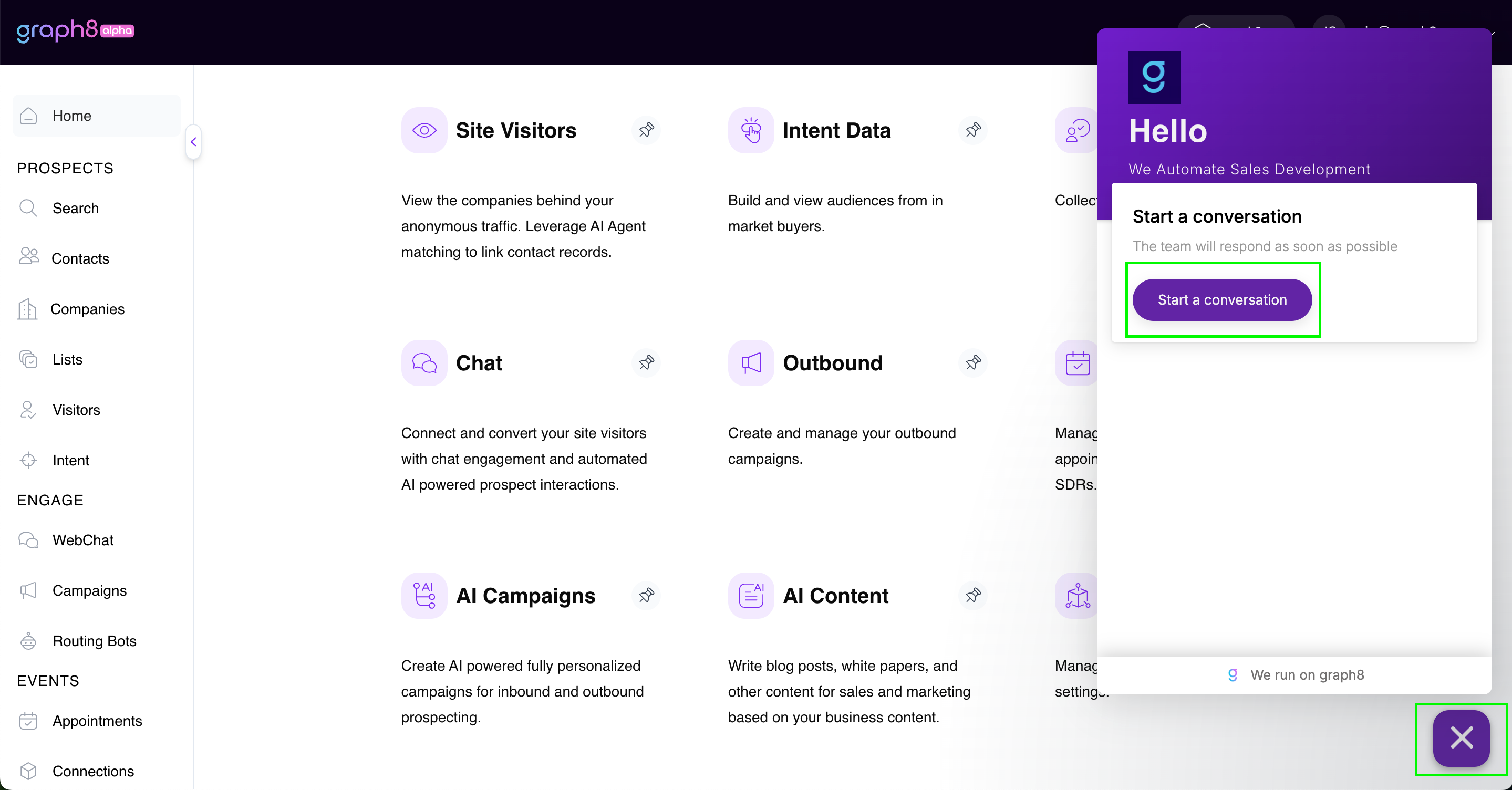
Describe your issue in detail. For faster resolution, please include:
Reproduction steps: Specify exactly where in graph8 the issue happened and what actions you took.
What you expected: Explain what should have occurred.
What actually happened: Describe what you experienced instead.
Visual evidence: Click the Attachments button to upload screenshots or screen recordings. You can use Loom (free account available) or your computer's built-in screenshot tools (Mac/Windows).
Review the suggested solution. If it doesn't resolve your issue, select the "Talk to a person" option.
After submitting your request, a member of the graph8 support team will respond to you shortly.
Check the Status of a Support Request
Log into your graph8 account and click the chat icon in the bottom-right corner.
Your support conversation history will appear in the panel.
Select any previous support request to view the complete message thread and current status.